Vertex Color to Color ID
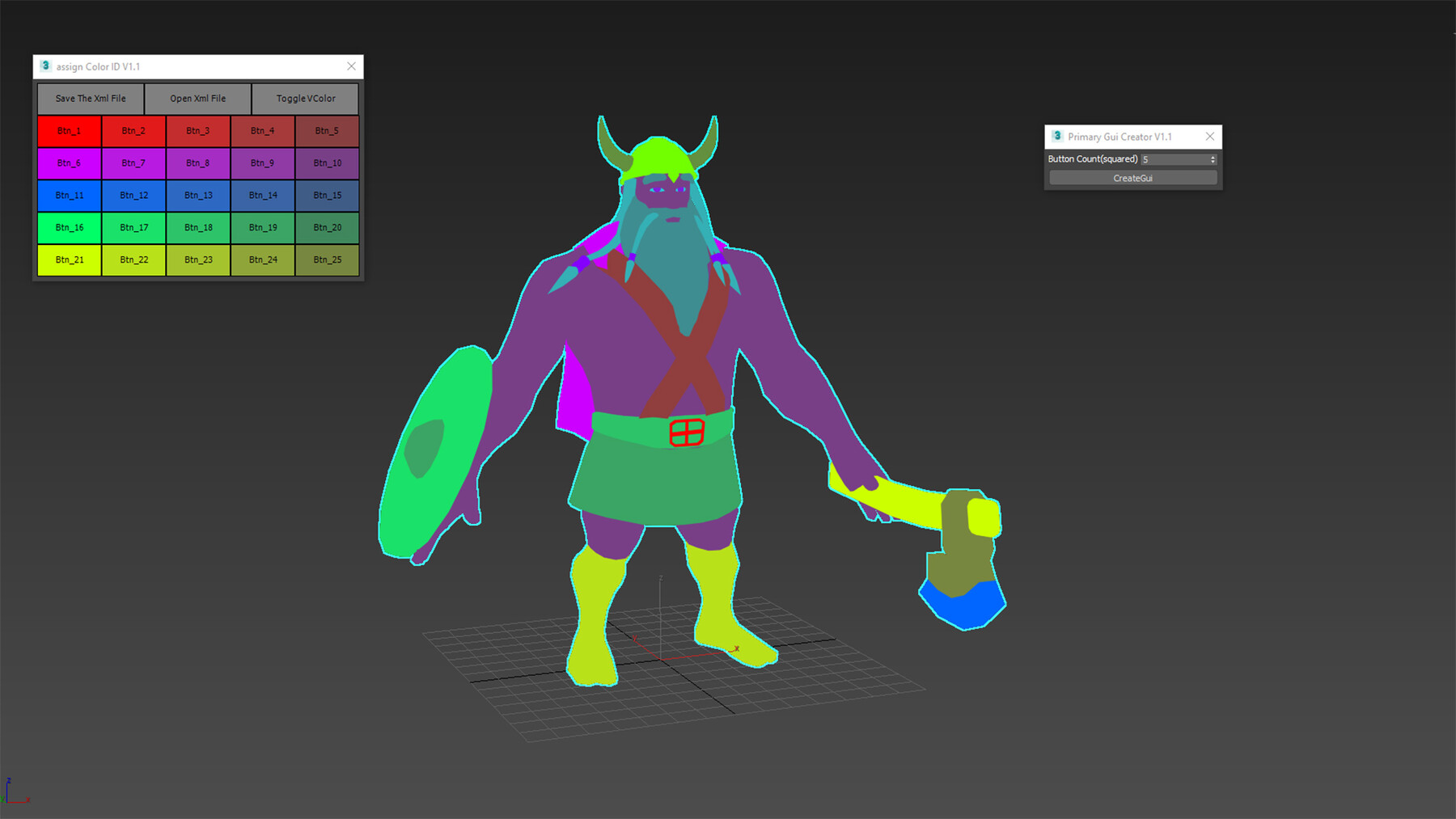
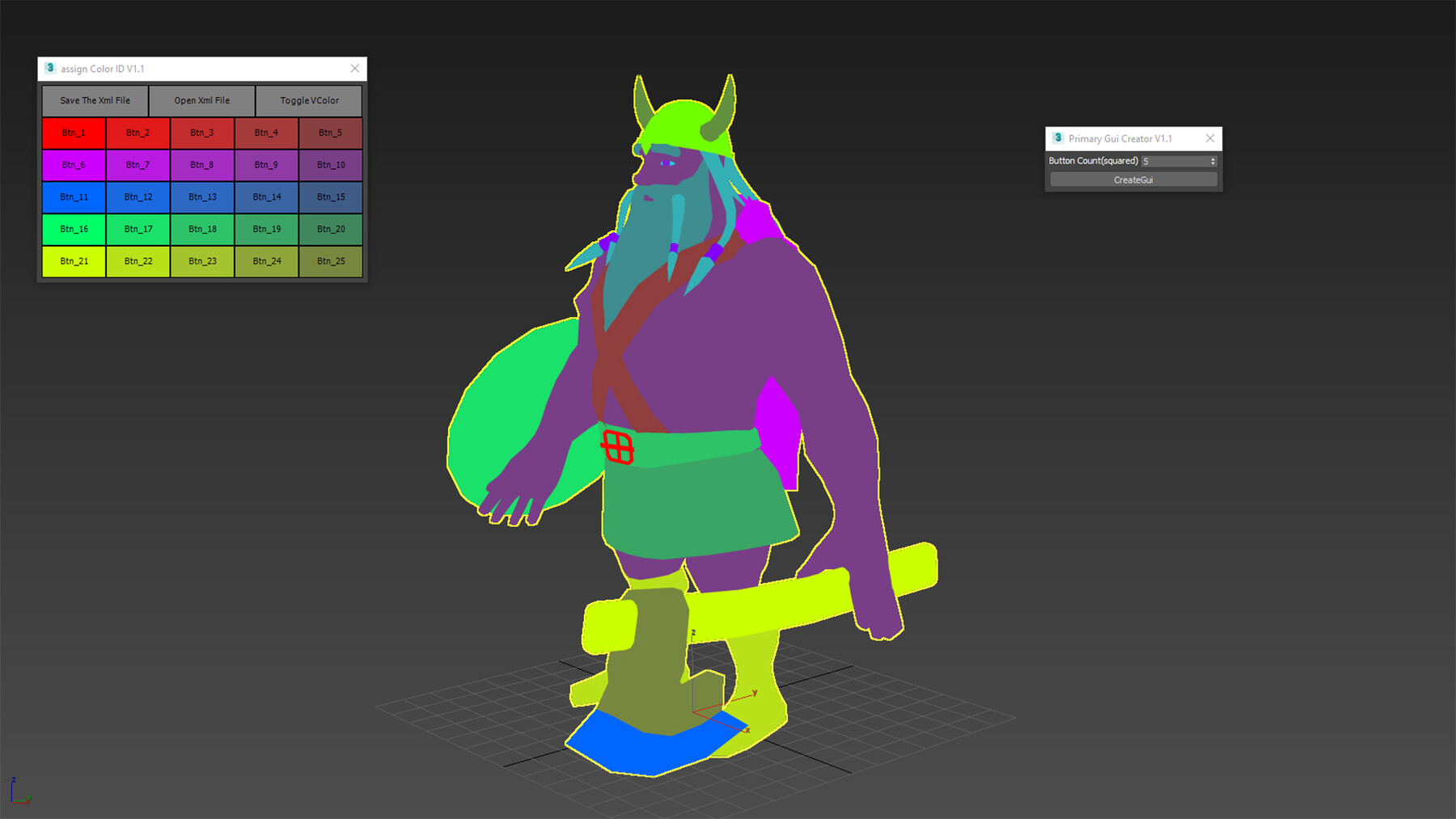
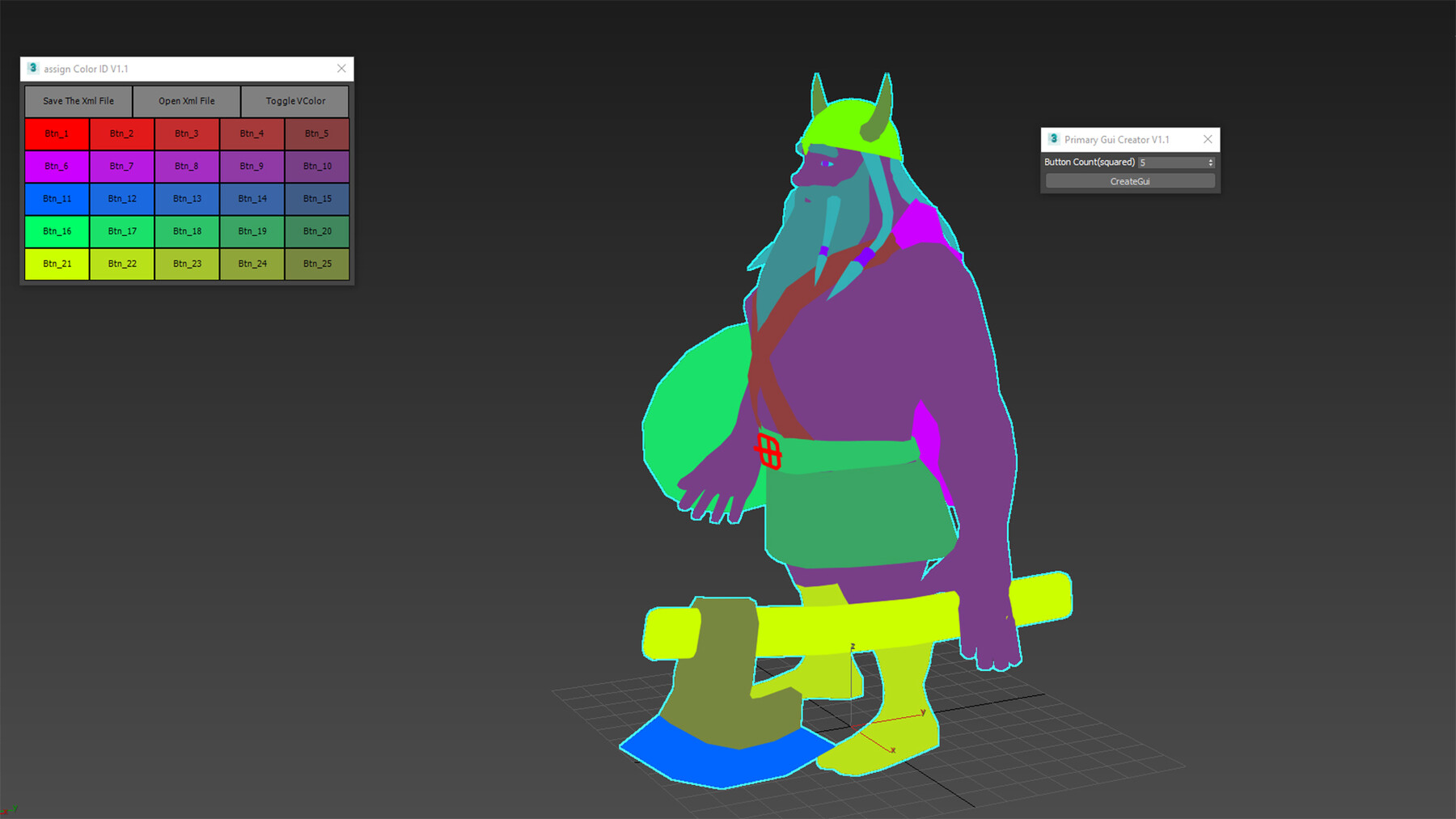
Vertex Color to Color ID is a maxscript tool designed to speed up Color ID generation for Substance Painter.
Usage: Select grid size from the first window and press "CreateGui" button.
Second window with popup with colorful buttons on it.
While your model is selected press "ToggleVColor" button to see vertex colors.
Go to face or element sub-object mode on modifier panel and start selecting faces. After selection is complete press any button on the colorful gui to assign color.
Right clicking any color button will open a window to rename it's text.
Double clicking on any color button (while face selection is empty) will open color selector window.
After modifying and renaming buttons and their colors, you can save the layout to a .xml file for further sessions.
Remember any saved .xml will only work on its own grid size. For example xml of a 4x4 grid will not work on a 5x5 grid.
Detailed tutorial on installation and usage can be found :